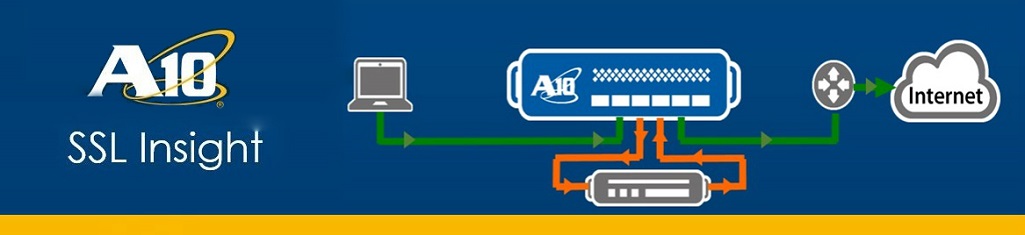
This tutorial series takes us into the details of how to set up a Home Lab for the deployment of SSL Insight. We look at the basic requirements from components that need to be downloaded and installed, to setting up the appropriate networks. The series can also be viewed on YouTube.
General Requirements and Download Links
The basic software we require is VMWare Workstation. Other than that, we will require the following softwares (Click on the names for download links):
A10 vThunder Virtual Appliance
Ubuntu Client and Server machines
XCA Certificate and Key management software
WinSCP
Proof Of Concept
In this video, we go into the details of setting up a POC for a potential SSLi customer. We start with a basic network containing just a client and server machine, then we move onto setting up the L2 Topology with an A10 SSLi device included in the network. Later on in the video, we go into further details of Certificate creation and importation as well as Bypass configuration. Towards the end, we touch up on some advance options.
This video provides a complete overview of the capabilities of the SSLi device.
Setting up a Home Lab
This video goes into the details of setting up a home lab for SSLi deployment using VMWare Workstation. We created a network on top of VMWare Workstation using Ubuntu Clients and Servers and an A10 Virtual Thunder device (vThunder)
Certificate Management
In this tutorial, we look at why we need certificates, and how certificates can be created, imported and managed in an SSL Insight network.
 The NetSec Noob